Production delivery metrics, AI costs, and developer leagues
Separate production delivery signals, track engineering trends and Copilot costs, and manage individual developer leagues with new administrative controls.
1. Engineering Performance & Delivery Intelligence
1.1. Production-Aware DORA Metrics
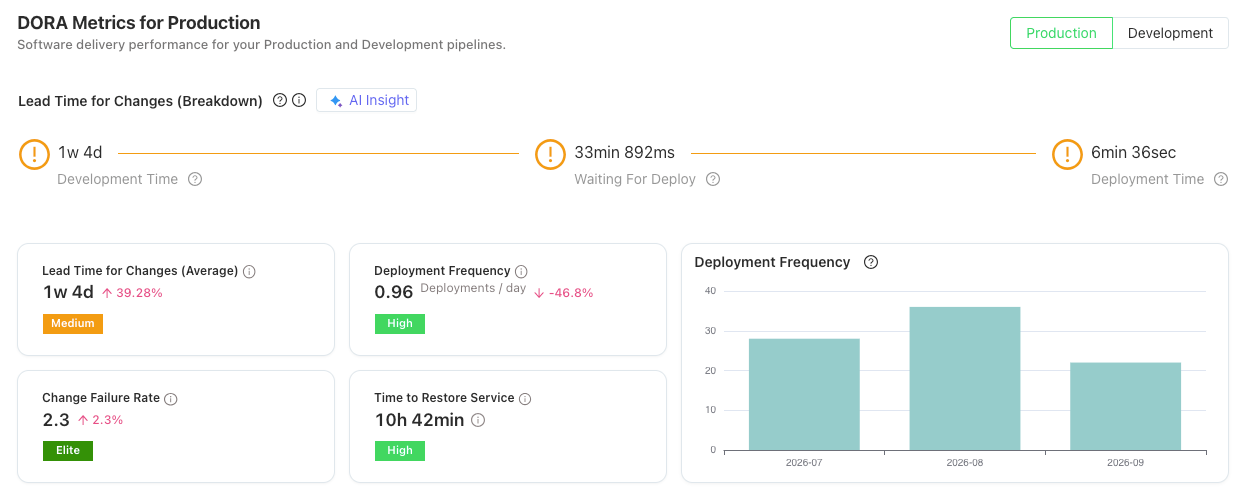
Major FeatureDesignate production pipelines and measure Deployment Frequency and Lead Time separately from non-production pipelines.
Why it matters
Get a more accurate view of production delivery performance by distinguishing production releases from other deployments.
1.2. Team Scorecard Trend Reports
Major FeatureTrack how engineering performance metrics evolve over time with new trend reports in Team Scorecard.
Why it matters
Identify improvements, detect negative trends, and evaluate the impact of engineering initiatives over time.
1.3. Refreshed Team Scorecard & Project Analytics
Major EnhancementExplore redesigned analytics views with standardized widget layouts, clearer KPI summaries, and more intuitive navigation.
Why it matters
Compare metrics more easily and reduce the effort required to interpret engineering reports.
1.4. Configurable Metric Calculations
EnhancementAdministrators can now choose weighted-average calculations for aggregated metrics across work items. Simple averages remain the default.
Why it matters
Choose the aggregation method that best represents your reporting and measurement needs.
2. AI Cost Management
2.1. AI Cost & Credits
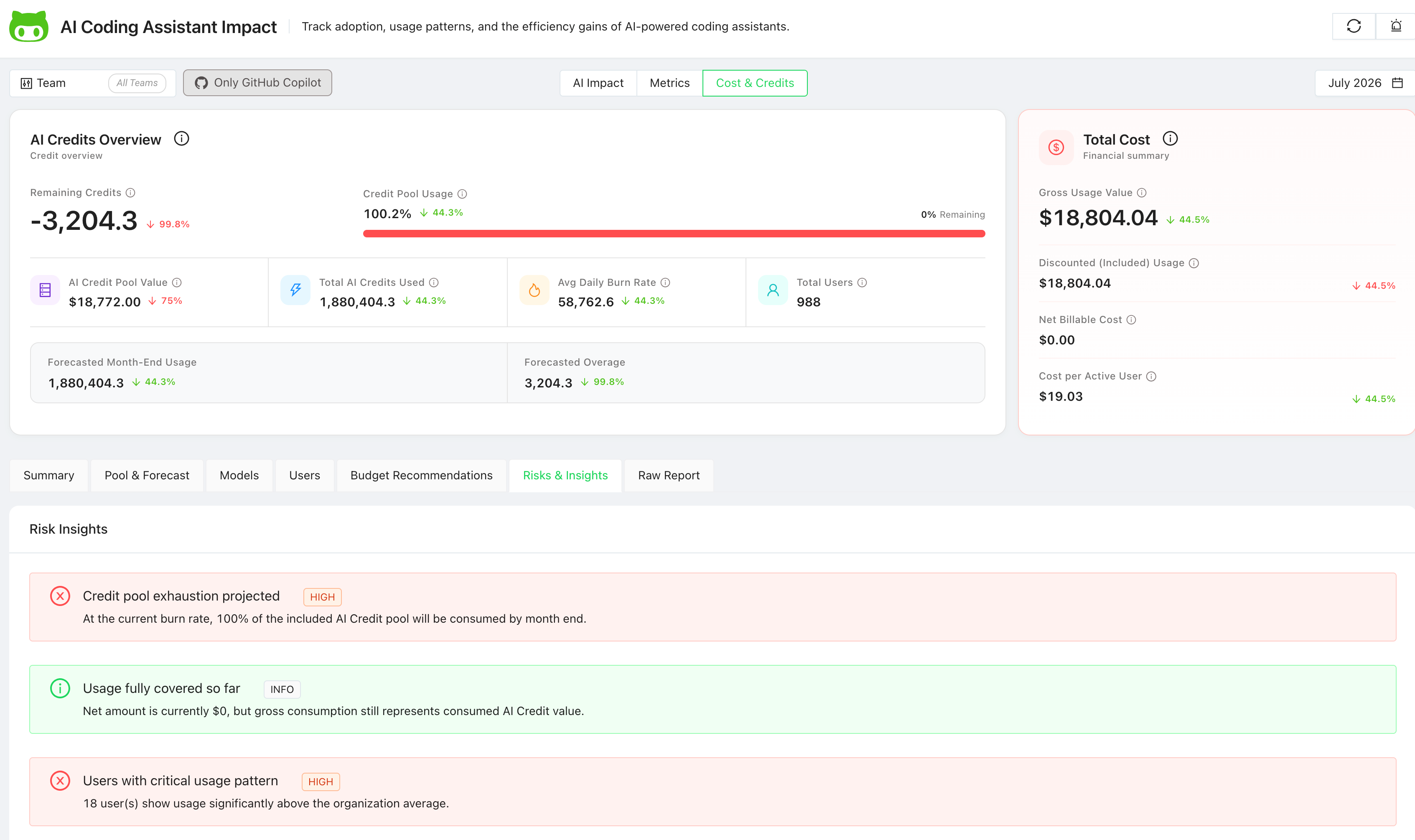
Major FeatureMonitor GitHub Copilot usage costs and AI credit consumption through a dedicated AI Cost & Credits page.
Why it matters
Understand AI spending and consumption patterns to inform investment and cost management decisions.
3. Developer Engagement & Gamification
3.1. Developer Leagues
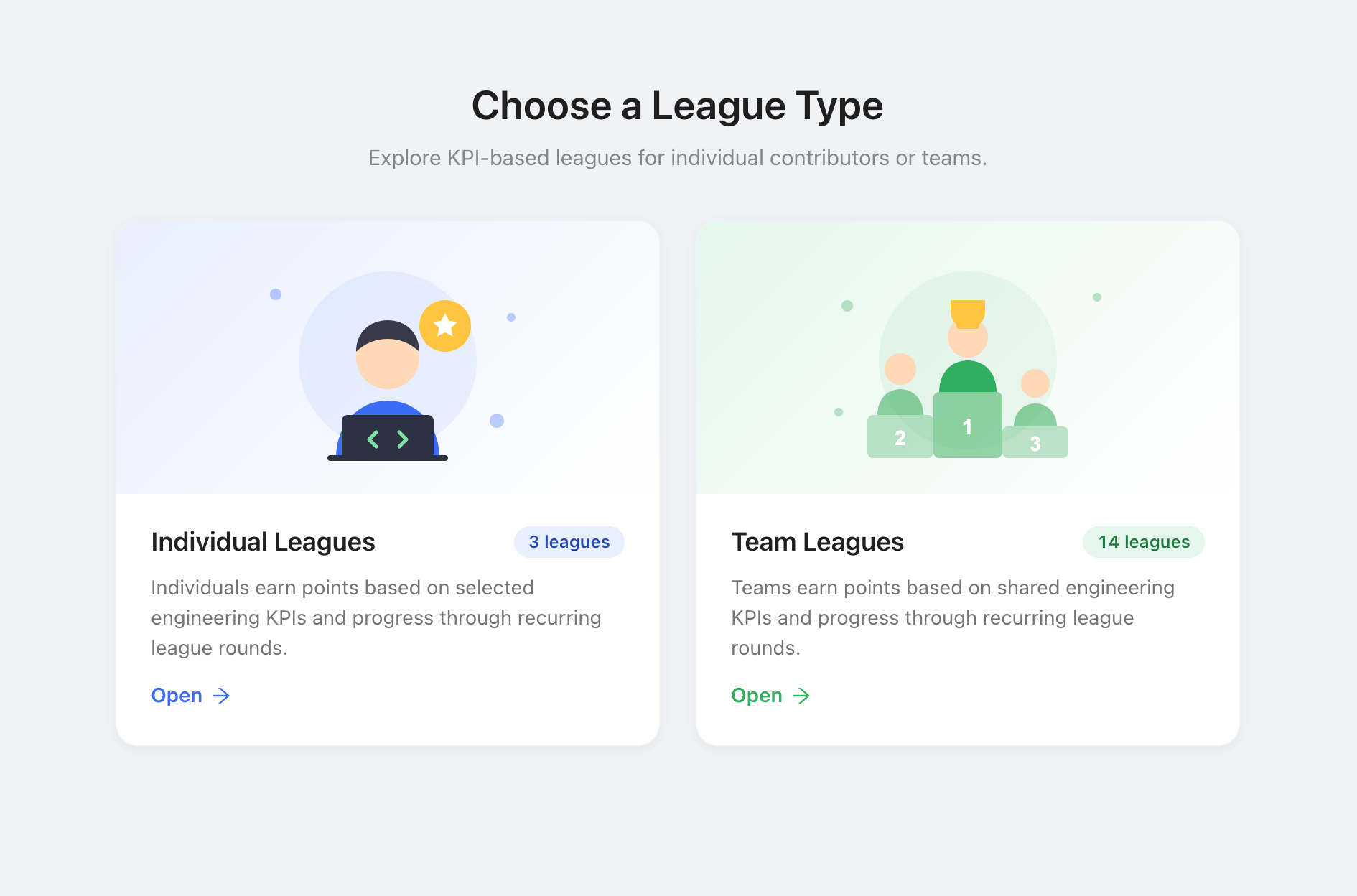
Major FeatureGamification now supports individual developer leagues, with applicable performance KPIs and tag-based participant filtering.
Why it matters
Recognize individual contributions, encourage developer engagement, and run more targeted gamification initiatives.
3.2. Developer Tag Management
EnhancementOrganize developers by seniority, such as Senior, Mid, or Junior, and specialization, such as mobile, full-stack, or backend. Create and maintain these tags in a centralized catalog, then assign them to multiple developers at once or manage them on individual profiles.
Why it matters
Use tags to filter league participants by experience level or specialization, making it easier to organize targeted developer leagues and maintain developer groups as your organization changes.
3.3. League-Based Access Controls
EnhancementControl league visibility and management through dedicated permissions for administrators, referees, and participants.
Why it matters
Manage leagues with clearer responsibilities and controlled, role-based access.
4. Integrations & Administration
4.1. Zephyr Scale Cloud Integration
New IntegrationConnect Zephyr Scale Cloud to extend Oobeya's test analytics capabilities.
Why it matters
Bring additional testing data into engineering reporting and improve visibility into software testing activities.
4.2. GitHub Bulk Import via Excel
EnhancementManage GitHub add-on bulk operations using Excel-based templates, including template generation, download, and import for analysis.
Why it matters
Accelerate bulk configuration, reduce repetitive manual work, and simplify GitHub onboarding for large engineering organizations.