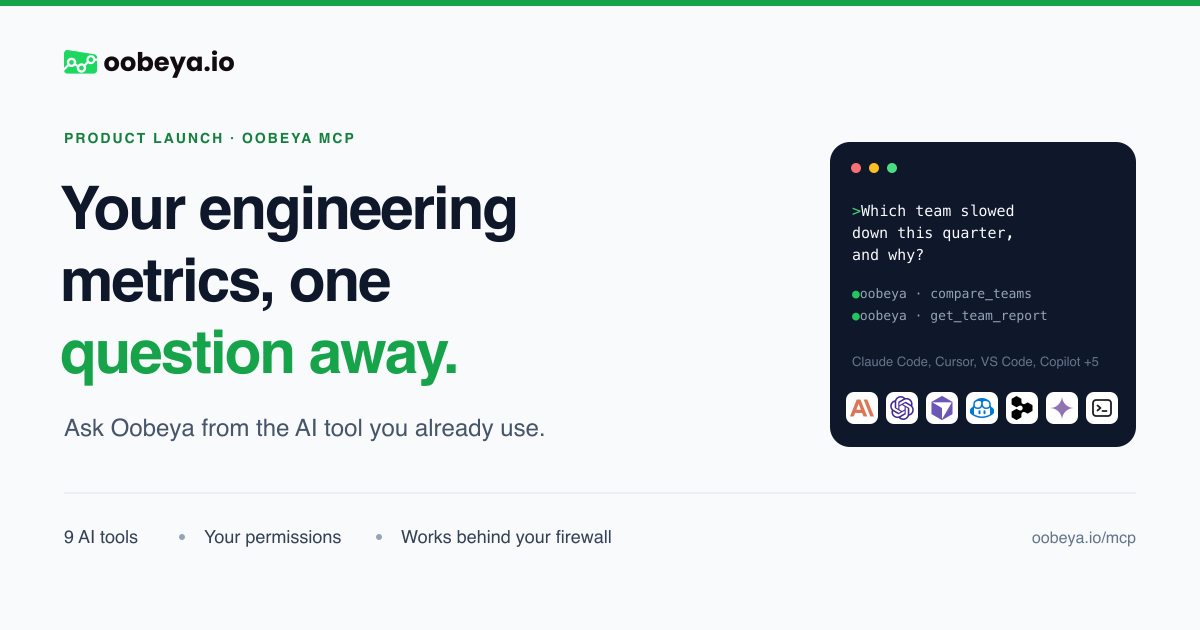
Today we are releasing Oobeya MCP, a Model Context Protocol server built into Oobeya 2.1.
It connects the AI tool you already use to Oobeya. You ask about your teams' delivery, pull requests, sprints and code quality in your own words, and the answer comes from the same data you see in Oobeya, with your own permissions.
Your engineering metrics, one question away.
Why we built it
Dashboards are good at answering what. Lead time went up. Review time doubled. The sprint is at risk.
The harder part comes next: why, and what to do about it. That usually means opening a team scorecard, then the pull request list, then Jira, then Sonar, and stitching the story together by hand.
At the same time, engineers and engineering leaders now spend a large part of their day inside AI tools such as Claude Code, Cursor, VS Code and GitHub Copilot. Their engineering metrics were not there.
Oobeya MCP brings them together. Your AI tool can now read Oobeya directly, follow the thread across reports, and explain what it found.
What you can ask
Name the team, person or period you mean. When you give no period, Oobeya uses the last 90 days.
| Goal | Example question |
|---|---|
| Delivery performance | How did the Payments team do on DORA metrics in the last 90 days? |
| Pull requests | Which pull requests of the Mobile team waited longest for review this month? |
| Sprints | How is the current sprint of the Checkout board going? |
| One developer | Summarize my contributions in the last 30 days. |
| Work items | Which commits and pull requests belong to PAY-1234? |
| Team comparison | Compare the Web and Mobile teams on pull request metrics. |
| Understanding a number | Why is our lead time for changes so high? Explain how it is calculated. |
Behind these questions, about 100 Oobeya capabilities are available to your AI tool. Three groups stand out.
1. Read every report you can see in Oobeya
Team reports cover DORA metrics, pull requests, code and work types, code quality, bugs, sprints and boards, AI coding assistant adoption, capacity, tests and security, depending on what you have connected. You can compare several teams over the same period, or look at a single developer's work.
Every number comes from the same reports the Oobeya UI shows.
2. Understand the why
Your AI tool can ask Oobeya how a metric is calculated and why it shows 0, N/A or a surprising value. It can follow a work item from the board to its commits, pull requests and deployments, and flag items that were marked done without code, or code that was never deployed. It can put each repository's DORA metrics next to its Sonar quality signals, so you can see whether weaker code quality goes together with slower or riskier delivery.
That is the difference between a number and an explanation.
3. Set up and run Oobeya by conversation
For administrators and team leads, Oobeya MCP also covers setup. Connect GitHub, GitLab, Bitbucket, Azure DevOps, Jira, Jenkins or SonarQube. Build teams from who actually works where. Turn on DORA analysis and attach it to team scorecards. Run a health check of the whole instance when something looks wrong.
Bulk changes are previewed first, every change is approved in your AI tool, and the result comes back as a clear before and after.
The server also ships ready-made prompts for common tasks: a team report, sprint health, a team comparison, a developer profile and the onboarding of a new Oobeya installation.
Works with the AI tools your teams already use
Oobeya MCP supports nine AI tools at launch:
- One-click: Claude Code (terminal or Claude Desktop), Codex, Cursor, VS Code and Devin (Windsurf)
- Terminal commands: GitHub Copilot, Gemini CLI, Grok Build and OpenCode
Every AI agent inside VS Code, including GitHub Copilot, Claude and Codex, uses the MCP servers added to VS Code, so adding Oobeya once is enough there.
Connected in under a minute
- In Oobeya, open Profile → AI access (MCP), or click the Connect your AI tool (MCP) card on the home page.
- Pick your AI tool. Oobeya shows the steps with your MCP address already filled in, for example
https://oobeya.mycompany.com/mcp. - Your browser opens the Oobeya sign-in. Use your usual account, LDAP or SSO, and click Allow on the consent screen.
For Claude Code from the terminal, that is two commands:
claude mcp add --transport http -s user oobeya https://<your-oobeya>/mcp
claude mcp login oobeya
Then ask your first question.
Built for enterprise engineering data
We designed Oobeya MCP around the questions security and platform teams ask first.
- Your permissions, nothing more. Every request runs as the signed-in user. Oobeya roles, team membership and team lead rights apply. There is no separate MCP role.
- Secrets never enter the chat. Tasks that need a token or password send you to the Oobeya screen where you type it.
- You approve every change. Your AI tool asks before each change, and deletions need an explicit yes.
- Works behind your firewall. AI tools connect from the user's computer, so Oobeya does not need to be reachable from the internet. Oobeya makes no outbound connection for MCP, which makes it a natural fit for on-premise installations.
- Your prompts stay with your tool. Oobeya receives tool calls, not your conversation, and never calls an AI provider itself.
- Revoke any time. Each user sees their connected apps under their profile and can revoke them. Administrators can turn MCP off with one setting.
Sign-in uses OAuth 2.1 with PKCE on your own Oobeya. There are no client IDs or secrets to create and nothing extra to install.
Getting started
Oobeya MCP is available in Oobeya 2.1.0 and later, for both the backend and the UI. It is on by default.
- Administrators: add four paths to the reverse proxy in front of Oobeya and verify them with four requests. The
nginx.confand ingress manifests that ship with Oobeya already contain the rules. See the administrator guide. - Everyone else: open Profile → AI access (MCP) and connect your tool. See the user guide.
Learn more on the Oobeya MCP page, or schedule a demo to see it on your own data.
Continue Exploring

Written by Emre Dundar
Emre Dundar is the Co-Founder & Chief Product Officer of Oobeya. Before starting Oobeya, he worked as a DevOps and Release Manager at Isbank and Ericsson. He later transitioned to consulting, focusing on SDLC, DevOps, and code quality. Since 2018, he has been dedicated to building Oobeya, helping engineering leaders improve productivity and quality.